How to Automate Phone Calls with n8n and Firetell Voice AI: Complete Guide
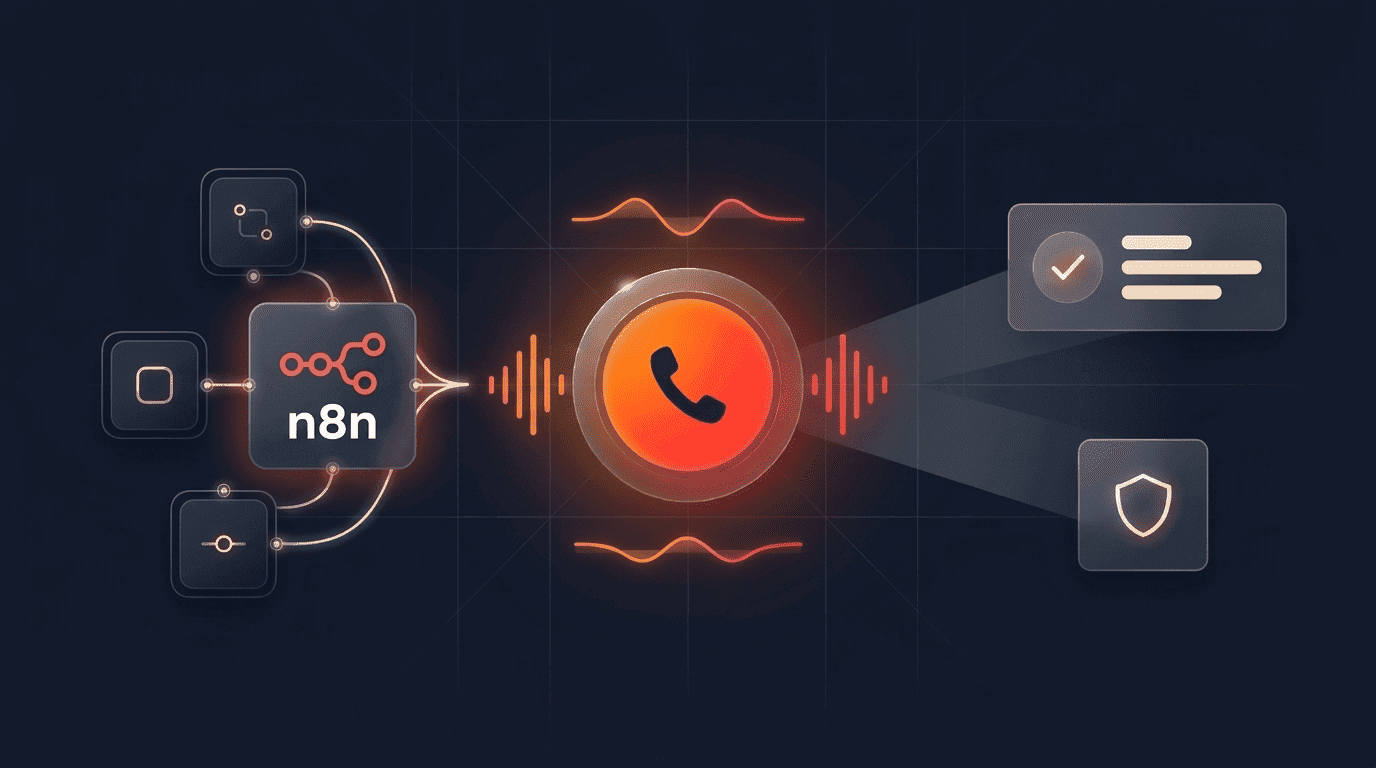
Phone calls remain the highest-converting, highest-trust communication channel for appointment confirmations, urgent operational alerts, inbound lead qualification, and high-touch customer support. Yet in most organizations, voice telephony is still completely disconnected from the rest of the automation stack.
Sales reps dial leads manually from spreadsheets. Support teams forget to copy call notes into the CRM. Operations teams miss after-hours escalations. And whenever someone tries to automate voice with raw HTTP webhooks, they end up maintaining brittle glue code, wrestling with pagination, and leaving webhook endpoints unverified.
With n8n and the official @firetell/n8n-nodes-firetell community node, you can bring programmable cloud telephony, real-time Voice AI agents, automated call transcription, and SMS/MMS messaging directly into your visual n8n workflows—in minutes, with zero boilerplate servers.
In this complete guide, we will cover:
- High-ROI phone call automation use cases across industries.
- Installing and connecting
@firetell/n8n-nodes-firetellto your workspace in 2 minutes. - Understanding Firetell's programmable call actions (
tts,play,ivr,connect_voice_agent, and more). - 4 production-ready n8n workflow blueprints (complete with node configs, JSON actions, and webhook payloads).
- How automatic webhook lifecycle management and HMAC-SHA256 signature verification protect your workflows.
- Production best practices, cost controls, and frequently asked questions.
Real-World Use Cases for Automated Phone Calls in n8n
Before diving into the technical setup, here are the most common ways teams use Firetell + n8n in production today:
- Speed-to-Lead & Sales Qualification: The moment a prospect submits a Typeform, Webflow, or HubSpot form, n8n triggers an outbound Firetell call within 10 seconds—connecting the lead to a Firetell Voice AI Agent that qualifies budget, timeline, and books a calendar slot automatically.
- Appointment Reminders (Healthcare, Clinics, Salons, Real Estate): Two hours before an appointment, n8n reads upcoming bookings from Google Calendar or Airtable, places an automated reminder call, lets the customer press
1to confirm or speak to a Voice AI receptionist to reschedule, and falls back to SMS if unanswered. - E-Commerce & Logistics Delivery Confirmation: High-value COD orders or time-sensitive deliveries trigger automated voice confirmation calls, cutting failed delivery rates and immediately updating order statuses in Shopify or WooCommerce.
- Post-Call AI Intelligence & CRM Hygiene: Every time a call ends, Firetell transcribes the audio, generates an executive summary, scores customer sentiment, extracts action items, and sends a signed webhook to n8n—which logs everything into HubSpot, Salesforce, Notion, or Slack automatically.
- Incident & On-Call Escalation: When Datadog, Sentry, or Uptime Kuma detects a critical outage, n8n places an automated voice alert call to the on-call engineer (and escalates to the backup team if the call goes unanswered).
Why Use @firetell/n8n-nodes-firetell Instead of Raw HTTP Requests?
You could wire up generic HTTP Request and Webhook nodes in n8n, but the official Firetell node eliminates the hardest parts of telephony automation:
| Capability | Generic HTTP / Webhook Nodes | @firetell/n8n-nodes-firetell |
|---|---|---|
| Authentication | Manually add Authorization: ApiKey sk-... on every node | Built-in Firetell API credential with 1-click Test Connection |
| Webhook Setup | Manually create/update/delete webhooks in Console | Auto-managed lifecycle on workflow Activate / Deactivate |
| Webhook Security | Write custom Code node to verify raw body HMAC | Built-in HMAC-SHA256 (X-Webhook-Signature) with timingSafeEqual |
| Resource IDs | Copy/paste UUIDs for phone numbers, Voice AI, KBs | Dynamic dropdowns (loadOptions) fetched live from your workspace |
| Pagination | Build manual loop logic for page & total_pages | Built-in Return All toggle |
| n8n AI Agent Tool | Requires manual tool wrapper | Native usableAsTool: true support |
Step 1: Install @firetell/n8n-nodes-firetell
Option A: Install from the n8n UI (Recommended)
- Open your n8n instance and navigate to Settings → Community Nodes.
- Click Install a community node.
- Enter
@firetell/n8n-nodes-firetell, acknowledge the prompt, and click Install.
Option B: Manual Installation (Self-Hosted)
npm install @firetell/n8n-nodes-firetellZero Runtime Dependencies:
@firetell/n8n-nodes-firetelluses n8n's native HTTP helpers and Node.js's built-innode:cryptomodule, keeping your n8n container lean and fast.
Step 2: Connect Your Firetell Workspace Credentials
- Log in to your Firetell Console and generate a workspace API Secret Key (
sk-...). - In n8n, open Credentials → New Credential → Firetell API.
- Enter your details:
- Workspace Domain: Your workspace domain (e.g.
yourcompany.firetell.app). - API Secret Key: Your secret key (
sk-...).
- Workspace Domain: Your workspace domain (e.g.
- Click Test. n8n calls
GET /api/v1withAuthorization: ApiKey <secretKey>to confirm your workspace domain and credentials are valid.
Understanding Firetell Programmable Call Actions
When you use Firetell → Call: Make Call (to start a new outbound call) or Firetell → Call: Send Actions (to control an active call in real time), you pass an ordered JSON array of call actions. Firetell executes them sequentially:
| Action | Description | Key Parameters |
|---|---|---|
tts | Speak dynamic text using Text-to-Speech | text, voice, answer_call |
play | Play an uploaded workspace audio prompt | audio_id, continue_on_play |
ivr | Play a prompt and collect caller DTMF keypresses | text or audio_id, timeout, max_digits, finish_on_key |
connect_voice_agent | Hand off the call to a Firetell Voice AI Agent | voice_agent_id |
connect_agent | Bridge the call to a specific human agent | agent_id |
connect_team | Route the call to a team ring group / queue | team_id |
connect_sip | Bridge the call to an internal SIP account | sip_account_id |
to_operator | Transfer/bridge to an external PSTN number | to: { number, name }, from |
recording | Start recording the call (dual-channel WAV) | — |
voicemail | Route the caller to voicemail | — |
hangup | Gracefully end the active call | — |
Workflow 1: Automated Appointment Reminders with Voice AI & SMS Fallback
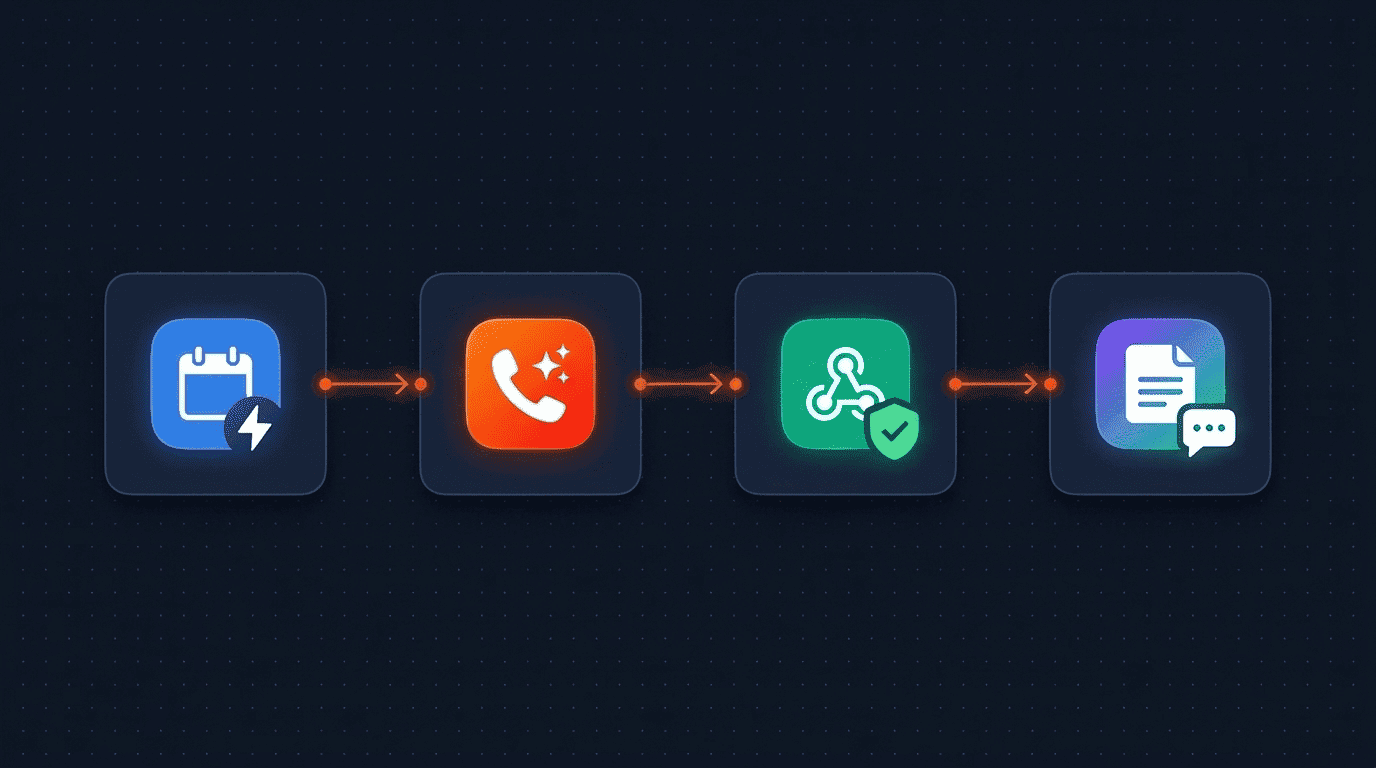
This end-to-end workflow checks upcoming appointments, calls each customer 2 hours ahead of time, connects them to a Voice AI assistant if they want to reschedule, and automatically sends an SMS if they don't pick up.
Part A: Place the Outbound Call
- Trigger:
Schedule Trigger(every 15 minutes). - Fetch Upcoming Bookings:
Google Sheets,Airtable, orPostgreSQLreturning rows wherereminder_sent = falseandstart_timeis within 2 hours. - Action —
FiretellNode:- Resource:
Call - Operation:
Make Call - To Number:
={{ $json.phone }} - Additional Fields → From Number: Your workspace caller ID (e.g.
+18005550199) - Additional Fields → From Name:
Acme Clinic - Additional Fields → To Name:
={{ $json.customer_name }} - Additional Fields → Max Duration (Seconds):
180 - Actions (JSON):
- Resource:
[
  {
    "action": "recording"
  },
  {
    "action": "tts",
    "params": {
      "text": "Hi {{ $json.customer_name }}, this is a quick reminder from Acme Clinic about your appointment today at {{ $json.appointment_time }}. I am connecting you to our assistant if you would like to confirm or reschedule."
    }
  },
  {
    "action": "connect_voice_agent",
    "params": {
      "voice_agent_id": "va_01h900000000000000000001"
    }
  }
]- Mark Reminder Queued: Update the row in Google Sheets/CRM with
call_id = {{ $json.call_id }}andreminder_sent = true.
Part B: Automatic SMS Fallback on Missed Calls
- Trigger —
Firetell TriggerNode:- Events:
call.ended - Verify Webhook Signature:
true
- Events:
- IF Node: Check whether
{{ $json.data.status }}equalsno_answerORbusy. - Action —
FiretellNode (True branch):- Resource:
Message (SMS/MMS)→ Operation:Send - From Phone Number:
+18005550199 - To Phone Number:
={{ $json.data.client_number }} - Body:
Hi! We just tried calling regarding your appointment today. Reply YES to confirm or visit https://acme.example.com/reschedule to pick a new time.
- Resource:
Workflow 2: Post-Call AI Transcription, Sentiment Analysis & CRM Sync
Manually typing call notes is one of the biggest time sinks for sales and support teams. With Firetell Trigger, every completed call automatically enriches your CRM and alerts your team in Slack.
What the Incoming Webhook Payload Looks Like
When Firetell delivers a call.transcription.summary event to your Firetell Trigger node, your workflow receives structured, ready-to-use JSON:
{
  "event": "call.transcription.summary",
  "workspace_id": "acme",
  "timestamp": "2026-11-19T08:15:00.000Z",
  "attempt": 1,
  "data": {
    "call_id": "call_01h900000000000000000001",
    "client_number": "+14155552671",
    "direction": "outbound",
    "duration_seconds": 142,
    "sentiment": "positive",
    "summary": "Customer confirmed their enterprise demo for Thursday at 2 PM and requested the annual pricing sheet beforehand.",
    "action_items": [
      "Email Enterprise annual pricing sheet to customer",
      "Send calendar invite for Thursday 2 PM live demo"
    ]
  }
}
Nodes Setup
- Trigger —
Firetell Trigger: Subscribe tocall.transcription.summarywith Verify Webhook Signature enabled. - Fetch Full Dialogue (Optional) —
FiretellNode:- Resource:
Call→ Operation:Get Transcription - Call ID:
={{ $json.data.call_id }}
- Resource:
- Fetch Recording Link (Optional) —
FiretellNode:- Resource:
Call→ Operation:Get Recordings - Call ID:
={{ $json.data.call_id }}
- Resource:
- Lookup Caller —
FiretellNode:- Resource:
Contact→ Operation:Lookup by Phone - Phone Number:
={{ $json.data.client_number }}
- Resource:
- Log to CRM & Slack:
- Append the
summary,sentiment,action_items, and presigned recordingstream_urlto HubSpot, Salesforce, or Notion. - Post a rich notification in Slack.
- Add an IF Node: if
{{ $json.data.sentiment }} === "negative", immediately create a high-priority escalation ticket in Jira / Zendesk and ping the support manager.
- Append the
Workflow 3: Let an n8n AI Agent Place Calls & Send SMS Autonomously
Because the Firetell node sets usableAsTool: true, you can attach it directly to n8n's AI Agent node as a callable tool—giving your internal Slack bot, Telegram assistant, or support copilot real telephony superpowers.
Example Setup
- Trigger:
Slack Trigger(orChat Trigger/Webhook). - AI Agent Node: Connect your preferred LLM (OpenAI GPT-4o, Gemini, Claude) + Conversation Memory.
- Attach Firetell Tools to the AI Agent:
- Tool 1: Firetell →
Contact: Lookup by Phone(lets the agent identify who a caller is) - Tool 2: Firetell →
Call: Make Call(lets the agent place an outbound call with a custom TTS message or Voice AI handoff) - Tool 3: Firetell →
Message: Send(lets the agent send follow-up SMS links) - Tool 4: Firetell →
Call: Get Transcription(lets the agent answer questions like "What did John say on our call yesterday?")
- Tool 1: Firetell →
Now a team member can simply type in Slack: "Call +14155552671, remind them their invoice is ready, and send them the payment link via SMS"—and the n8n AI Agent orchestrates Firetell end to end.
Workflow 4: Auto-Sync Knowledge Bases (RAG) from Google Drive & Websites
Your Firetell Voice AI agents answer caller questions accurately by querying attached Knowledge Bases. Instead of manually uploading updated pricing sheets or policy PDFs, let n8n keep your RAG index fresh automatically:
- Google Drive Sync:
Google Drive Trigger(File Created or Updated in/Voice AI Docs)Google Drive→Download File(outputs binary fielddata)- Firetell →
Knowledge Base: Upload Document(select Knowledge Base from dropdown, set Input Binary Field todata— supports PDF, DOCX, XLSX, and TXT up to 25MB)
- Website Auto-Recrawl:
Schedule Trigger(every Monday at 2:00 AM)- Firetell →
Knowledge Base: Crawl URLs(orRecrawl Documentby Document ID) to re-index your/pricing,/faq, and/docspages automatically.
Deep-Dive: Webhook Security & Automatic Lifecycle in Firetell Trigger
Security is non-negotiable when your workflows trigger phone calls, SMS messages, or CRM updates. Here is how Firetell Trigger protects your n8n instance out of the box:
- Zero Manual Secret Management: When you click Activate in n8n,
Firetell TriggercallsPOST /api/v1/webhookswith your workflow's unique n8n webhook URL and selected events. Firetell returns a 64-character hex signingsecret, which n8n stores privately inworkflowStaticData. - Constant-Time HMAC-SHA256 Verification: On every incoming
POSTrequest,Firetell TriggercomputesHMAC-SHA256(rawBody, secret)and compares it against theX-Webhook-Signatureheader usingcrypto.timingSafeEqual. - Automatic Rejection of Spoofed Requests: Any request with a missing, tampered, or invalid signature is immediately rejected with HTTP
401 Unauthorizedand never executes your downstream nodes. - Clean Teardown: When you deactivate the workflow, n8n calls
DELETE /api/v1/webhooks/{id}so your workspace never accumulates orphaned webhooks.
Production Best Practices
- Keep
Verify Webhook SignatureEnabled: Always leave signature verification turned on for any publicly reachable n8n deployment. - Set
max_durationSafety Caps: Always configuremax_duration(e.g.180–300seconds) on automated outbound calls to prevent long voicemail recordings from running up minutes. - Automate Business Hours & Holiday Routing: Pair a
Schedule Triggerwith Firetell → Phone Number: Update to dynamically switchcall_flow_idbetween live agents during office hours and a 24/7 Voice AI receptionist after hours. - Handle Errors Gracefully with
Continue On Fail: When looping through bulk contact lists (e.g. 500 appointment reminders), enable Continue On Fail on the Firetell node so a single invalid phone number doesn't halt the remaining 499 calls—log failed items to a dead-letter sheet instead. - Respect Rate Limits: Firetell enforces generous workspace API rate limits (with a dedicated SMS tier to protect carrier TPS). For large batch campaigns, insert an n8n
Split In Batches+Waitnode (e.g. 10–20 items per batch) to pace outbound traffic smoothly.
Frequently Asked Questions (FAQ)
Does @firetell/n8n-nodes-firetell work on both n8n Cloud and Self-Hosted?
It works immediately on all Self-Hosted n8n instances (Node.js >= 18.17) via the Community Nodes UI or npm install @firetell/n8n-nodes-firetell.
What happens to my Firetell webhooks when I deactivate an n8n workflow?
Firetell Trigger automatically deletes the webhook subscription in Firetell (DELETE /api/v1/webhooks/{id}) when you deactivate the workflow, and recreates it cleanly when you activate it again.
Can I control a live call while it is in progress?
Yes! Use Firetell → Call: Send Actions with the active call_id to speak TTS, play audio, start recording, transfer the caller, or hang up in real time.
What if I prefer writing custom backend code instead of n8n?
Firetell also offers the official zero-dependency TypeScript/Node.js server SDK: @firetell/firetell-node-sdk.
Ready to Automate Your Phone System?
- n8n Integration Documentation: https://firetell.com/docs/developers/integrations/n8n
- npm Package: @firetell/n8n-nodes-firetell
- GitHub Repository (MIT): firetellcom/firetell-n8n-nodes
- Workspace API Reference: https://firetell.com/docs/developers/rest-api/overview
- Node.js Server SDK: @firetell/firetell-node-sdk
Related Posts
SIP Trunking Solutions for Stable Enterprise Connections
Discover how a reliable SIP trunking solution optimizes enterprise communication. Learn to implement stable inbound SIP trunks for scalable, secure business connectivity. Programmable Voice APIs, 24/7 Voice AI & Cloud Telephony for Developers.